

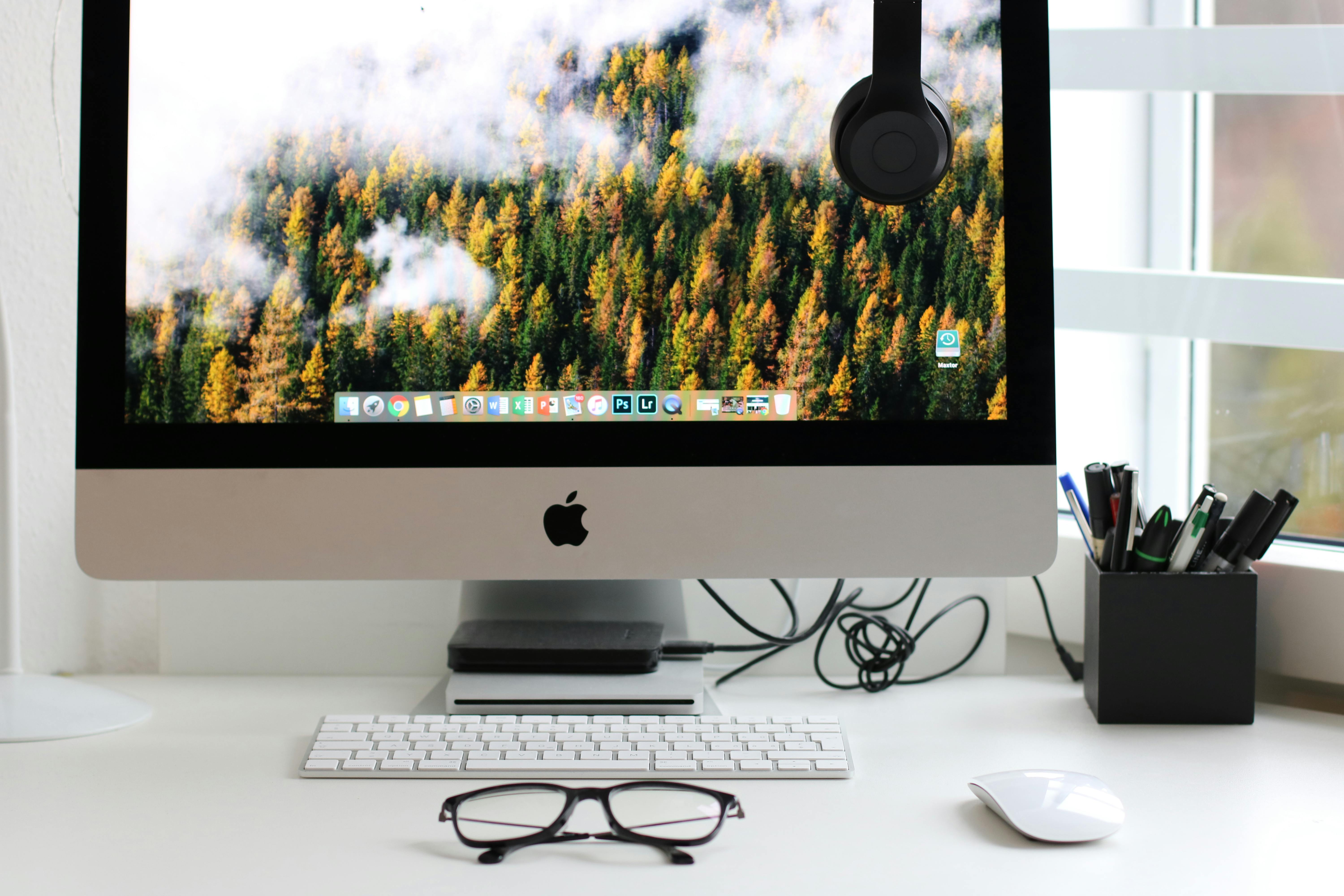
make your desktop work for you
We all spend a lot of time staring at our screens—so why not make that space as useful (and nice-looking) as possible? Customising your desktop isn't just about pretty wallpapers. It's about creating a digital environment that works for your brain, helps you find things faster, and makes everyday tasks easier.
At Prodigi we believe productivity should feel smooth, not stressful—and a few desktop tweaks can go a long way. Here are ten ways to give your workspace a glow-up.
10 ways to customise your desktop
1. change your desktop background
Start simple. A clean or inspiring wallpaper can instantly change the feel of your computer. Whether it’s a calming gradient or a photo of your dog, pick something that makes you happy or helps you focus.
2. use custom themes
Most operating systems let you change your colour scheme, fonts, and window styles. You can match your setup to your mood, your brand, or your favourite movie aesthetic. Linux users in particular can go wild with this one.
3. organise icons and folders
A cluttered desktop equals a cluttered mind. Group files into folders, delete what you don’t need, and pin key apps to your taskbar or dock. It’s simple—but makes a huge difference.
4. add widgets and gadgets
Want the weather on your desktop? Need to track your CPU? Or just want a running to-do list? Widgets can deliver live info at a glance without opening another app.
5. create custom icons
Custom icons are like changing your outfit—same function, new vibe. You can design your own or download themed sets to give your desktop a more cohesive look.
6. set up multiple desktops
Different desktops for different projects help keep distractions out. One for work. One for your personal to-do list. One for your weekend side hustle. Keeps you sane.
7. use keyboard shortcuts
Save time with shortcuts. You can customise keys to launch apps or run specific commands—turning complex actions into one tap.
8. automate repetitive tasks
Tools like AutoHotkey (Windows) or Automator (Mac) can handle your boring bits—renaming files, opening daily apps, or cleaning folders. Automation is your quietest, most efficient coworker.
9. customise the taskbar or dock
Adjust size, position, and content to make your taskbar or dock actually useful. Remove the fluff. Add your essentials. Simple tweaks, big results.
10. use third-party software
Looking to take things even further? Software like Rainmeter or GeekTool lets you build fully custom desktop dashboards with widgets, performance stats, and more. You can even display quotes or weather feeds if that’s your thing.
why customisation matters
For businesses in New Zealand—and everywhere else—time and clarity are currency. A cluttered desktop is a small thing, but over time it adds friction. Customising your space helps reduce that drag so you can get to what matters faster.
ready to take control of your workspace?
Your desktop should work with you, not against you. Whether you're optimising for productivity or just want something that feels more “you,” we’re here to help.
Need support choosing tools, themes, or automation options? Reach out today—we’ll help you build a desktop setup that works as hard as you do.
Article used with permission from The Technology Press.