

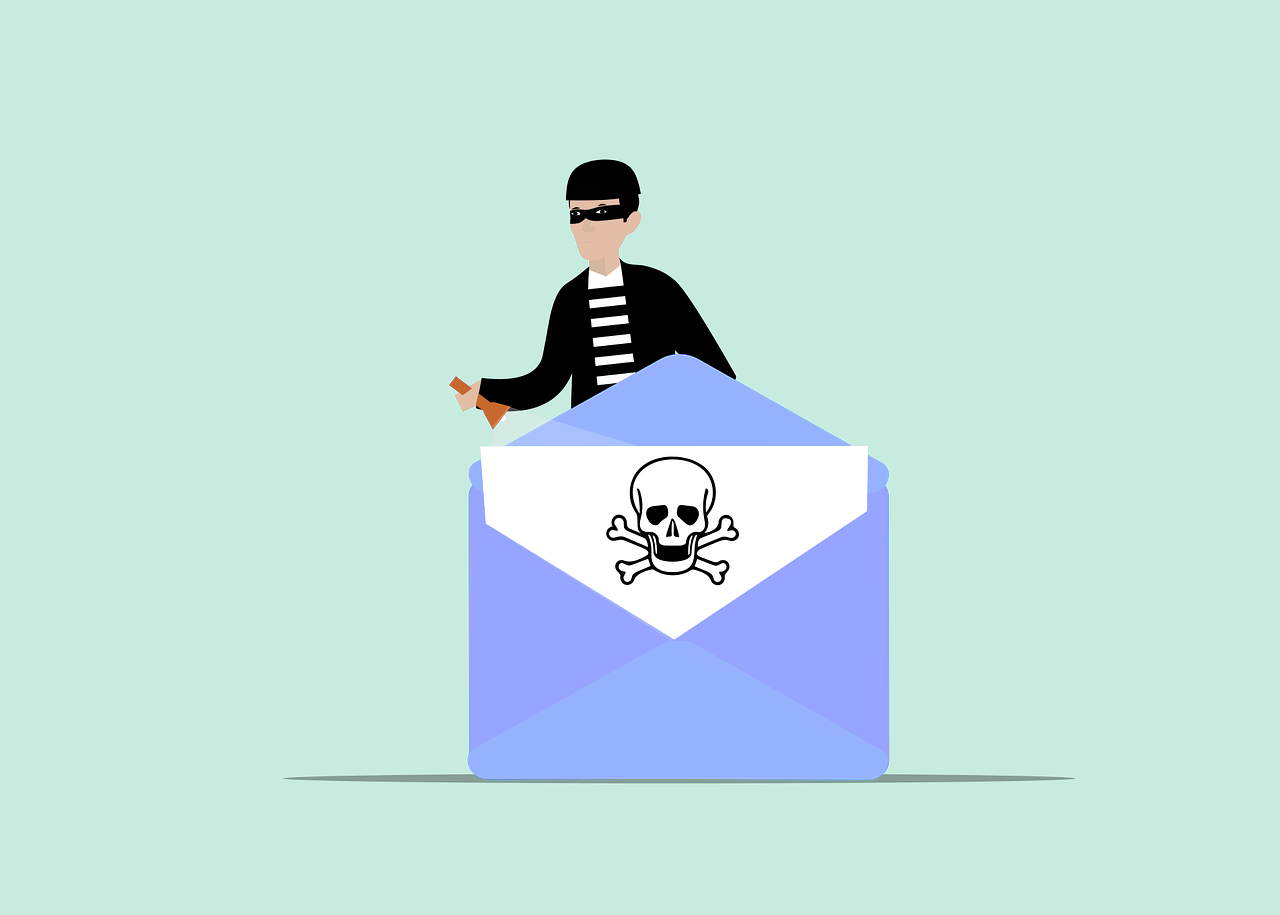
At Prodigi, we believe that email is the lifeblood of modern communication—it's fast, efficient, and, unfortunately, a prime target for cybercriminals. With 95% of IT leaders noting cyberattacks are becoming more sophisticated and 51% already seeing AI-powered attacks, it's clear that businesses in New Zealand need to step up their email security. Here’s how you can protect your emails and keep sensitive information out of the wrong hands with six simple yet powerful security steps.
1. Use Strong, Unique Passwords
Passwords are like the front door of your email account. A weak one? Basically, a welcome mat for cybercriminals.
Create Complex Passwords
Make it tough for attackers by using a mix of:
- Uppercase and lowercase letters
- Numbers
- Special characters
Avoid obvious choices like your name or “password123.” A complex password makes breaking in much harder.
Use a Password Manager
With all these complex passwords, a password manager can be a lifesaver. It’ll help you generate and store unique passwords securely, so you only need to remember one master password.
Avoid Reusing Passwords
Using the same password everywhere is risky. One compromised account could mean all your accounts are exposed. Make sure each email account has its own unique password to contain any potential breach.
2. Enable Two-Factor Authentication (2FA)
Two-factor authentication is like a second lock on your front door. Even if someone has your password, they’ll need the second factor to get in.
Choose a 2FA Method
Options include:
- SMS codes sent to your phone
- Authenticator apps generating time-sensitive codes
- Hardware tokens providing a physical code generator
Pick the option that fits your security needs best.
Set Up 2FA for All Accounts
Take a few minutes to enable 2FA for each email account. This small step adds a big boost to your email security.
3. Be Cautious with Email Attachments and Links
Email attachments and links can be Trojan horses for malware. Don’t let curiosity get the better of you—approach with caution.
Verify the Sender
If you get an unexpected email, even from someone you know, verify it with them via another channel. Be extra cautious with emails from unknown senders.
Scan Attachments
Use antivirus software to scan attachments before opening them. This helps catch any malicious content that might try to sneak into your system.
Avoid Clicking on Suspicious Links
Before clicking, hover over the link to preview the URL. If it looks suspicious, skip the click and go directly to the site instead.
4. Keep Your Email Software Updated
Software updates don’t just add new features—they patch security vulnerabilities. Keeping your email software updated helps you stay protected against the latest threats.
Enable Automatic Updates
Automatic updates are a hassle-free way to keep your software secure. Most email clients and operating systems have this feature, so make sure it’s on.
Regularly Check for Updates
Even with auto-updates, it’s wise to manually check for updates now and then. This ensures your software is secure and running smoothly.
5. Use Encryption for Sensitive Emails
Encryption is like a locked envelope for your email content—it keeps information secure, even if someone intercepts it.
Encrypt Emails Containing Sensitive Information
If you’re sending sensitive info, encrypt it. Many email providers offer built-in encryption options, but you can also use third-party tools for added security.
Educate Recipients
If you’re sending an encrypted email, make sure the recipient knows how to access it. This way, your efforts don’t go to waste.
6. Watch Your Email Activity
Keeping an eye on your email activity helps you catch suspicious behavior before it becomes a problem.
Set Up Activity Alerts
Most email providers offer alerts for unusual login attempts or changes to your account. Enable these alerts to stay in the know.
Regularly Review Account Activity
Check your account’s login history and connected devices regularly. Spotting something unfamiliar? Change your password immediately.
Respond Quickly to Suspicious Activity
If you see any odd behavior, don’t wait. Change your password, review your security settings, and consider adding more protection.
Get Expert Email Security Solutions
Email security is essential to protect both personal and professional information. At Prodigi, we offer solutions to help reduce phishing risks and email compromise. Contact us today to schedule a chat about securing your emails and staying protected.