
At Prodigi, we believe that prevention is the best defense when it comes to cyber threats. Businesses in New Zealand and individuals alike are at risk of ransomware attacks—malicious software designed to lock your files and demand a ransom to get them back. The worst part? Paying doesn’t even guarantee that you’ll regain access to your data.
But don’t panic just yet! With the right strategies, you can prevent ransomware and minimize damage if you ever become a target. Let’s dive into what ransomware is, how it works, and most importantly—how to stay safe.
what is ransomware?
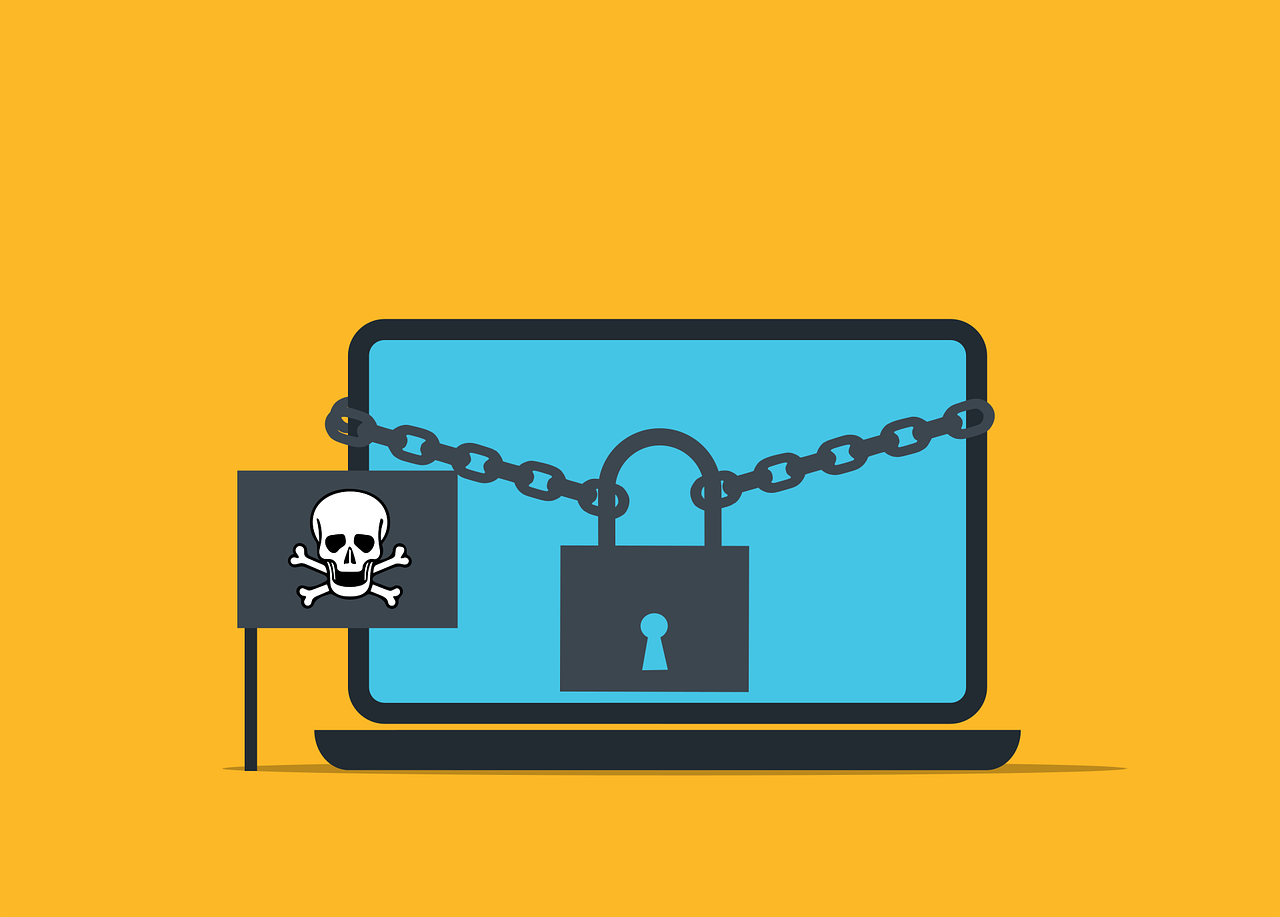
Ransomware is a type of malicious software (malware) that locks your files and holds them for ransom. Cybercriminals encrypt your data and demand payment in cryptocurrency to unlock it. The ransom note typically warns that if you don’t pay, your files will be deleted or leaked online.
how does ransomware get on your device?
Cybercriminals use sneaky tactics to trick people into downloading ransomware. Here are some of the most common ways it spreads:
phishing emails
A hacker sends an email pretending to be from a trusted company, urging you to click a link or download an attachment. Once opened, the ransomware infects your device.
malicious websites
Some websites—especially ones offering free downloads—are riddled with malware. Clicking the wrong ad or downloading a shady file can lead to infection.
software vulnerabilities
Outdated software creates security holes. If you skip updates, ransomware can slip through and encrypt your files.
usb devices
Plugging in an infected USB drive can introduce ransomware to your system without you even realizing it.
how to prevent ransomware attacks
Prevention is your best defense. Follow these key steps to avoid ransomware disasters:
keep your software up to date
Hackers love exploiting old software. Turn on automatic updates for your operating system, apps, and security software.
use strong antivirus protection
A good antivirus program detects and blocks ransomware before it can do damage. Make sure yours is up to date.
be cautious with emails
Think twice before opening unexpected attachments or clicking links—even if they appear to be from someone you know.
back up your files regularly
If ransomware strikes, a recent backup can save you. Store backups on external drives or cloud storage that isn’t connected to your main system.
enable multi-factor authentication (MFA)
Adding an extra layer of security makes it harder for hackers to break into your accounts.
what to do if you get ransomware
So, you think you’ve been hit? Stay calm and act fast.
disconnect from the internet
Immediately unplug your device from Wi-Fi and networks. This helps stop the ransomware from spreading.
do not pay the ransom
There’s no guarantee you’ll get your files back. Paying also encourages cybercriminals to continue their attacks.
report the attack
Notify your IT team, cybersecurity experts, and local authorities. They may be able to trace the source of the attack and help with recovery.
restore from backups
If you have clean, recent backups, use them to restore your files after removing the malware.
how businesses can protect themselves
Businesses are prime targets for ransomware attacks. Here’s how to stay one step ahead:
train your employees
Cybersecurity is a team effort. Teach your staff how to spot phishing scams and suspicious links.
limit file access
Only give employees access to the files they need. This way, if ransomware hits, it can’t spread across your entire network.
create a ransomware response plan
Have a step-by-step plan in place, so your team knows exactly what to do in case of an attack.
how is ransomware evolving?
Hackers are always coming up with new tricks. Here’s what to watch out for:
mobile ransomware
Ransomware isn’t just for computers anymore. Cybercriminals are now targeting smartphones and tablets.
double extortion
Hackers don’t just encrypt your files—they steal data first, then threaten to leak it unless you pay.
attacks on cloud storage
Cloud services are no longer immune. Hackers are attacking cloud backups and storage accounts.
final thoughts: stay prepared and stay safe
Ransomware is a serious threat, but you’re not powerless against it. By taking simple precautions like keeping your software updated, training your team, and maintaining secure backups, you can protect your data before it’s too late.
If you need help securing your business or recovering from an attack, reach out to us today. At Prodigi, we help businesses in New Zealand stay ahead of cyber threats—so they don’t have to learn the hard way.